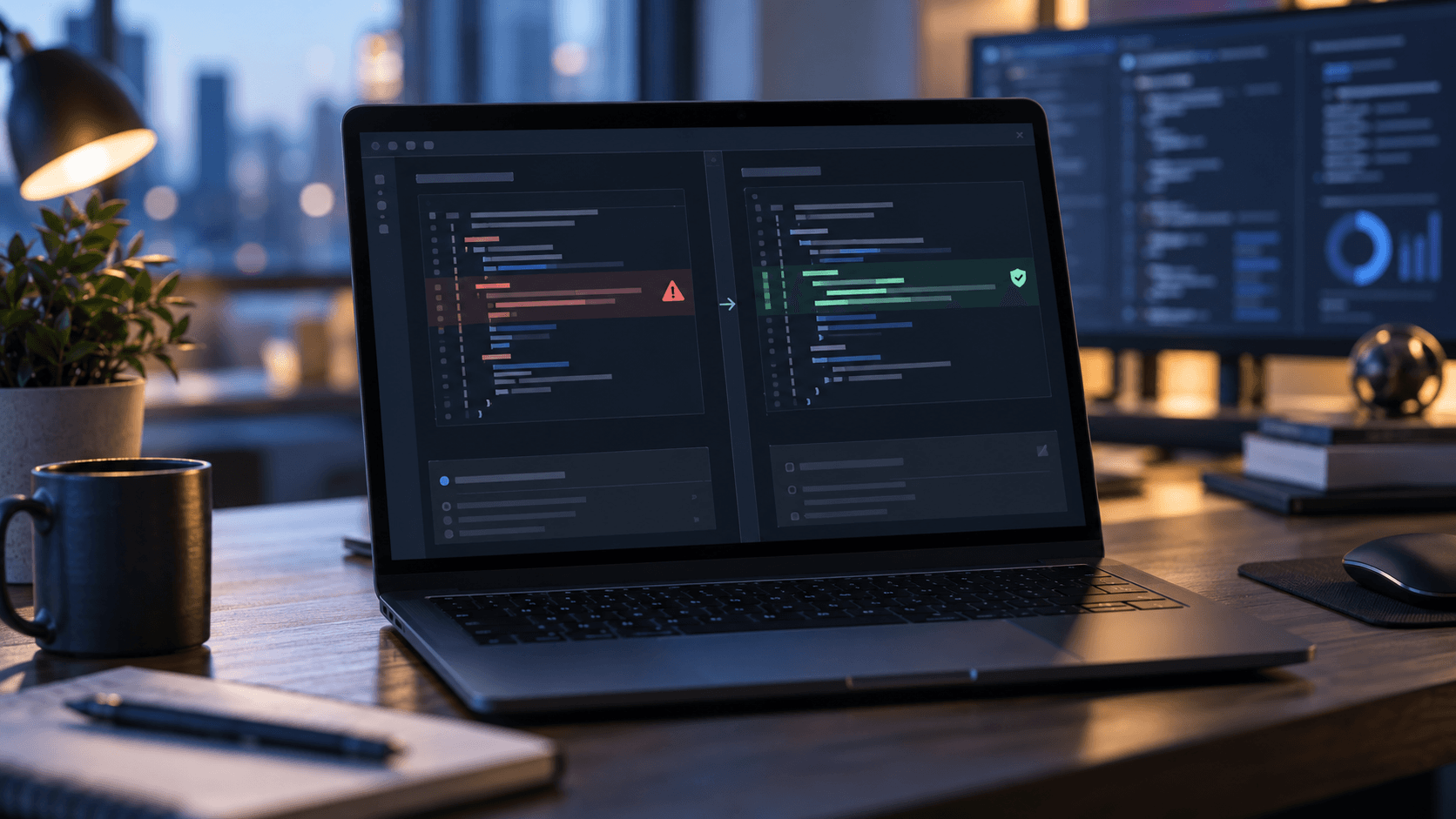
Google expands Android scam defences across Messages, calls and screen sharing
Google's October update combines optional cloud-assisted message analysis, on-device link checks, screen-share masking and call-forwarding warnings. The features have different release dates and device requirements; Google's headline detection counts and commissioned comparison need careful reading.
By Parminder Kumar Sharma · · 5 min read
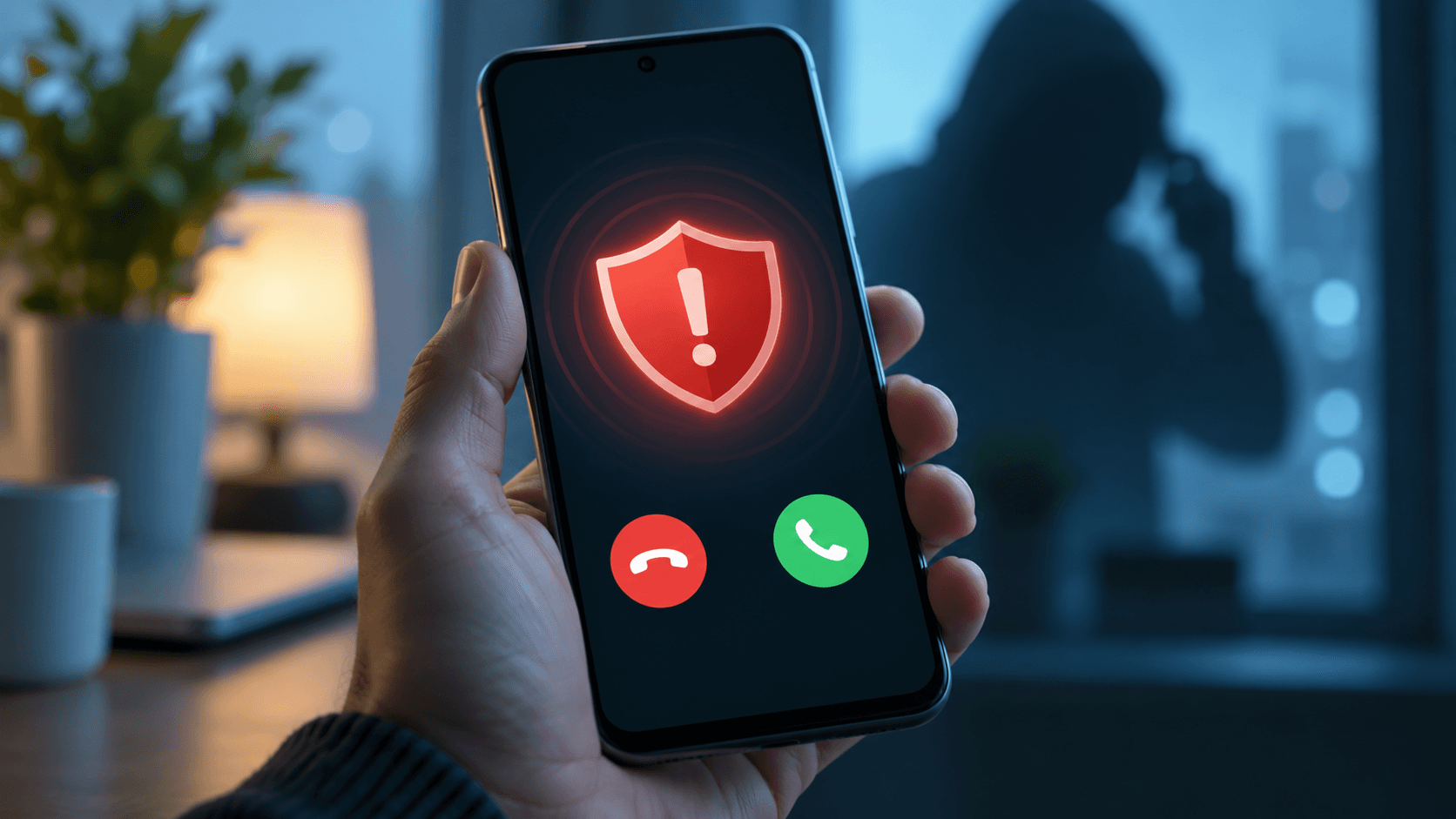
Four different defences, four different boundaries
Google announced new Android anti-scam protections on 14 October, spanning conversations, links, live screen sharing and phone-call forwarding. The release is a collection of distinct controls rather than a single switch that instantly reaches every Android phone. Its most consequential change is an opt-in Enhanced protection mode in Google Messages: Google says this can use cloud Gemini models within Private AI Compute to assess complex conversations with an unknown sender, while on-device Gemini Nano helps judge unfamiliar links with real-time web signals.
Google also says Android will mask login and payment fields during screen sharing in Chrome and Android WebView, and will block apps from quietly enabling call forwarding. A warning is planned when a user is led to type a forwarding code manually. Device and timing footnotes change the practical story: cloud-enhanced Messages protection rolls out over coming weeks; screen-share masking rolls out this month on Android 15 or later; forwarding protection is due from early December on Pixel and selected other devices.
What is available, and when?
A useful comparison is by threat and deployment boundary, not by a single score. Some features inspect a conversation; others intervene at a permission or screen-display boundary. The announcement's footnotes are especially important for device support.
Google's stated rollout and device conditions as of 16 October 2026; availability varies by device and region.
| Protection | Attack step it addresses | Stated availability |
|---|---|---|
| Enhanced Messages / Private AI Compute | Slow-burn scam conversations with an unknown sender | Opt-in; rolling out in coming weeks; supported Pixel 6+, Samsung Galaxy S24+ and selected AICore devices per Google |
| Gemini Nano link check | Newly registered links not yet in known-malicious URL lists | Within Enhanced protection on Pixel 10+, Samsung Galaxy S26, Z Flip/Fold8 and selected devices |
| Notification scam alerts | Suspicious content before opening a popular chat app | Already on Pixel; expansion through device makers later in 2026 |
| Screen-share masking | Credentials and payment fields exposed during live sharing in Chrome/WebView | Rolling out in October on Android 15+ |
| Call-forwarding block and warning | Apps or dial-pad codes redirecting incoming calls and OTPs | From early December on Pixel and selected devices |
The privacy difference also matters. Enhanced Messages mode uses Google-described secure cloud analysis in Private AI Compute, whereas the link check involves on-device Gemini Nano and live web signals. Google's privacy claim says the cloud-processed data is encrypted and inaccessible to Google. That is the vendor's architecture claim, not an independent audit performed for this article. A user deciding whether to opt in should read the feature's privacy and device notices rather than assume that every new scan is wholly on-device.
How to read the numbers and the comparison with iPhone
Google says Phone by Google and Google Messages flag more than 5 million suspected scam calls and texts each month. That is a volume of alerts, not the number of unique victims protected, scams stopped or losses prevented. Google also cites more than 3 million spoofed calls blocked since June for two Brazilian bank partners. Those are a different period, product pathway and counting unit, so adding the two figures would be meaningless.
A Leviathan Security Group assessment cited by Google compared default, no-cost built-in protections on four specific phones: Pixel 11 Pro, iPhone 18 Pro, Samsung Galaxy S26 and Motorola Razr 2026. The assessment was commissioned and funded by Google. Its conclusion about Android outperformance reflects those tested products and conditions; it does not establish that every Android phone in every region is safer than every iPhone. Google's separate survey involved 4,500 eligible users across the US, Canada and Australia, with a smaller qualified subset answering comparative experience questions. Self-reported scam experience and laboratory feature tests measure different things.
The headline figures answer different questions and should not be combined into an effectiveness rate.
| Claim | What it counts | What it does not establish |
|---|---|---|
| >5 million per month | Google-flagged suspected scam calls and texts | Unique victims, successful prevention or financial loss avoided |
| >3 million since June | Spoofed calls blocked for two named Brazilian bank partners | Worldwide impact or the effectiveness of all new October features |
| Four tested phones | Default built-in protections in a Google-funded assessment | A universal Android-versus-iPhone result |
| 4,500 respondents | Eligible users in three countries surveyed by Google/YouGov | Measured real-world prevention across all phone owners |
Circle to Search scam guidance is sometimes described alongside the new measures, but Google announced that capability in December 2025. It can provide context for a suspicious message and is also accessible through Google Lens on iOS. It is not one of the newly launched October 2026 protections.
What users should do
Check whether the Messages Enhanced protection option actually appears on your device before relying on it, and decide whether its cloud analysis suits your privacy needs. Keep Android and Google Messages updated, and review new warnings rather than clicking through them reflexively. During a supposed bank call, stop sharing your screen and contact the bank through a known number or its official app. Never enter a call-forwarding code supplied by an unexpected caller. A phone warning is one layer of protection; it cannot verify a caller's identity in every case.
Take this with you
Practical checks
- Verify which features and dates apply to your handset and country.
- Review the opt-in Messages setting and its privacy description before enabling it.
- If a caller asks to view your screen or enter a forwarding code, end the interaction and call back using a trusted route.
- Treat AI or link warnings as prompts to verify independently, not as an infallible verdict.
Sources and provenance
Primary source: Google's 14 October announcement and device footnotes. The earlier Circle to Search and Lens scam guidance is dated December 2025. Claims about privacy, detection volumes, bank-call blocks and third-party comparison are attributed to Google; this article has not independently audited the products or the commissioned assessment. Read 16 October 2026.
Sources
- PrimaryNew Android protections to help keep you safe from mobile scamsGoogleaccessed 2026-10-16
- PrimaryUse Circle to Search and Google Lens to spot scam messagesGoogleaccessed 2026-10-16