Apple’s new Mac Studio holds a frontier-class AI model in 512GB of memory. The point is not the speed, it is that your prompt never leaves the box
The M5 Ultra Studio and the M6 Mac mini put private, on-device inference on a price list. For anyone whose data cannot go to a cloud API, that removes the hidden reseller chain this site keeps documenting, and hands them the endpoint security in exchange.
By Parminder Kumar Sharma · · 8 min read
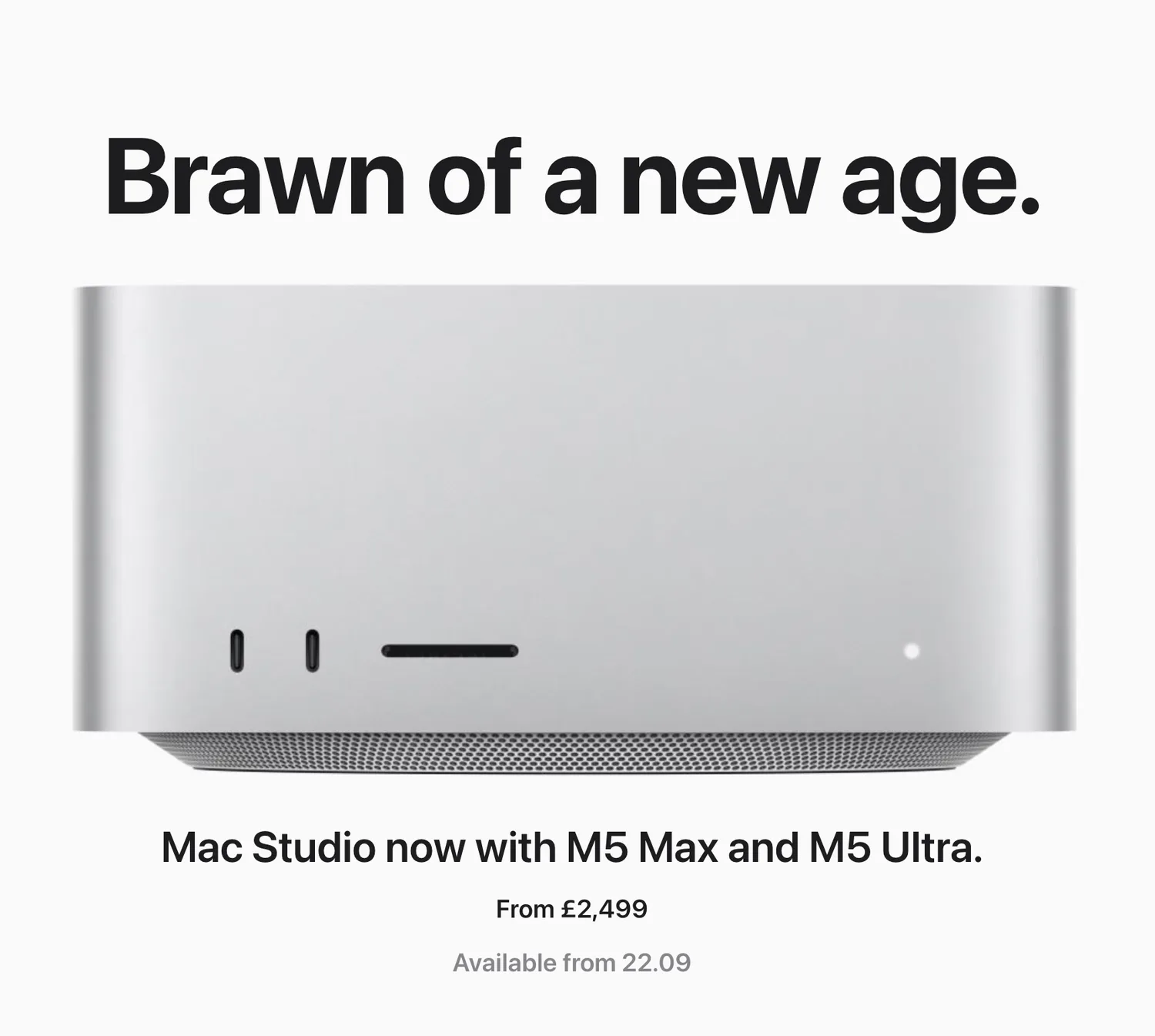
What Apple shipped this week
On 22 September 2026 Apple begins shipping a refreshed Mac Studio and Mac mini. The industrial design is unchanged; the argument on the page is not. Both machines are now sold on a single proposition, and it is a security proposition whether Apple frames it that way or not: run the AI on the machine, not in somebody else's cloud.
The Mac Studio moves to the M5 Max (from £2,499) and the M5 Ultra (from £5,499). The Mac mini moves to the M6 (from £899) and the M5 Pro (from £1,699). Pre-orders are open now, general availability is 22 September, and the 512GB memory option on the M5 Ultra follows in late October.
512GB
unified memory, M5 Ultra
Enough to hold a frontier-class open model in memory, on device.
1.2TB/s
memory bandwidth, M5 Ultra
The bandwidth that feeds those weights to the GPU and Neural Engine.
9.8x
faster time to first token
Apple’s quoted figure versus the M1 Ultra, measured in LM Studio.
from £899
where local starts, Mac mini M6
A private on-device inference machine at the bottom of the range.
Apple's own copy is the tell. The Mac mini page reads: "Mac mini enables fast, private, on-device inference," and, under STEM, suggests using "apps like exo and LM Studio Bionic to run multiple AI agents across a cluster of Mac mini devices." The Mac Studio page goes further: "Run frontier-class AI models entirely on device. Deploy LLMs like Gemma, Kimi and Mistral. Generate images with Stable Diffusion and FLUX. And use models to build agentic workflows end-to-end locally."
Read that as a security person and it stops being a product launch. It is a data-processing location decision, made in silicon.
Why this is the story this site keeps circling
This site has spent the past month documenting one failure from several angles: you rarely control where your prompt is actually processed. You buy model access from one vendor and your prompt can pass through seven resellers you were never told about. You pay for a model and quietly receive a cheaper, quantised version of it. The prefix cache that makes inference cheap is the same feature that leaks who really serves you. Every one of those is a symptom of the same root cause: inference runs on infrastructure you do not own and cannot inspect.
Frontier-class local inference is the structural answer to all of them at once. Not a mitigation, a removal. When the model runs on a box on your desk there is no reseller chain to map, no shared backend to worry about, and no cloud processor to name in a data-protection assessment. The prompt, the weights and the answer never cross the line.
That is the pattern. This refresh is not a faster computer, it is the first time the argument for keeping inference local arrives with a price list.
The Studio is the frontier-local machine
The number that matters for local AI is unified memory, because it sets the ceiling on the model you can hold. The M5 Ultra Mac Studio raises that ceiling to 512GB, with 1.2TB/s of memory bandwidth and a 32-core Neural Engine, configurable up to a 36-core CPU and an 80-core GPU. Apple quotes it at 9.8 times the LLM prompt-processing throughput of the M1 Ultra baseline, against 2.4 times for the M3 Ultra.
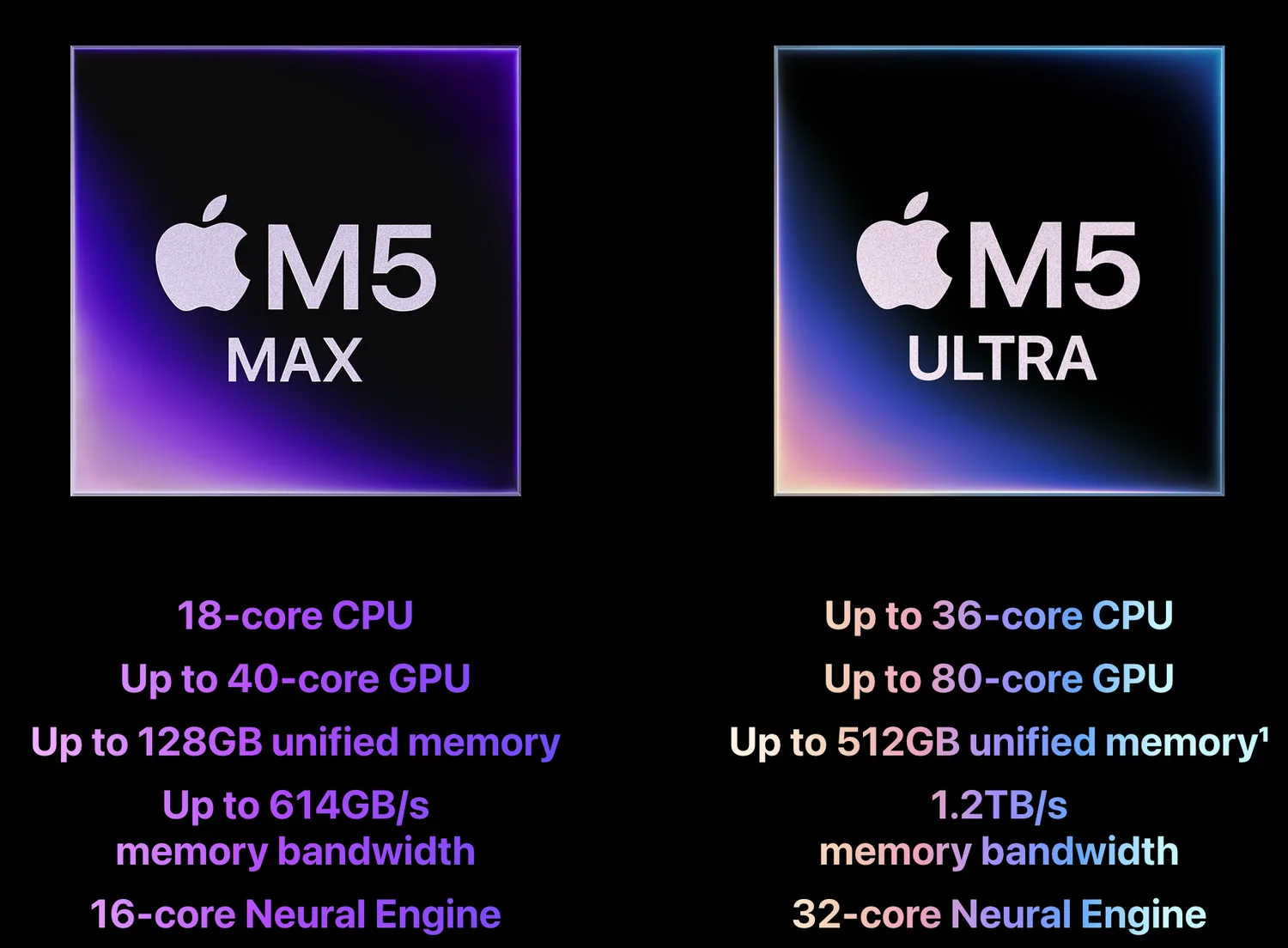
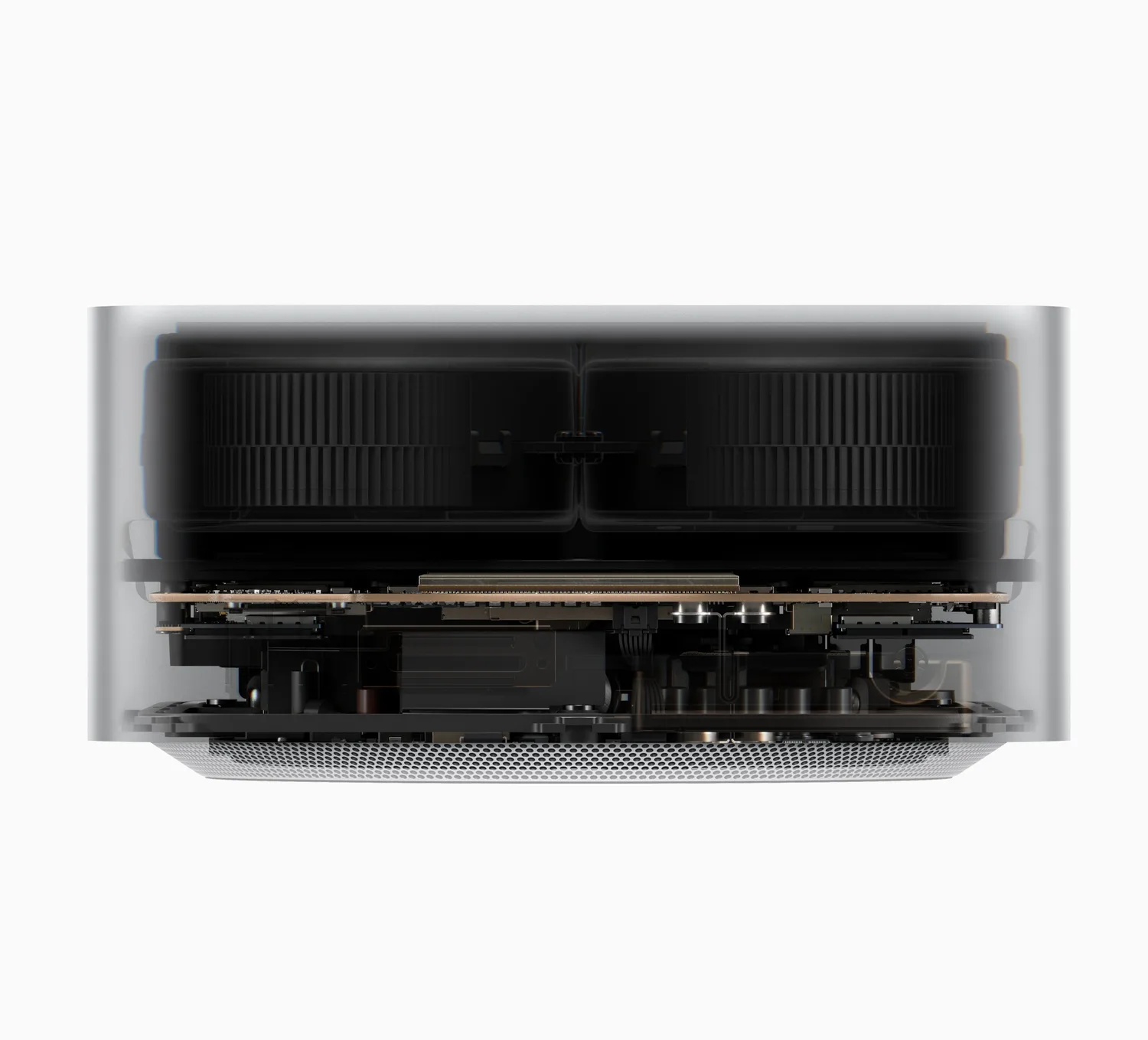
The two Studio chips are the same design at two scales. Same enclosure, and the thermal design that makes the M5 Ultra viable in it:
The four tiers, and where each one lands for local AI
| Tier | CPU / GPU cores | Max unified memory | Memory bandwidth | Neural Engine | From |
|---|---|---|---|---|---|
| Mac mini · M6 | 12-core / 12-core | 32GB | Not stated | Dual 16-core | £899 |
| Mac mini · M5 Pro | Not stated | 64GB | Not stated | 16-core | £1,699 |
| Mac Studio · M5 Max | 18-core / up to 40-core | 128GB | Up to 614GB/s | 16-core | £2,499 |
| Mac Studio · M5 Ultra | up to 36-core / up to 80-core | 512GB | 1.2TB/s | 32-core | £5,499 |
LLM prompt processing: faster time to first token in LM Studio
512GB is the figure that changes the category. A frontier-class open model that would not fit on any single consumer GPU fits here, in memory, with room left for context. Apple names Gemma, Kimi and Mistral. The point is not the specific names but that "the large open models" has become a local option rather than a cloud-only one.
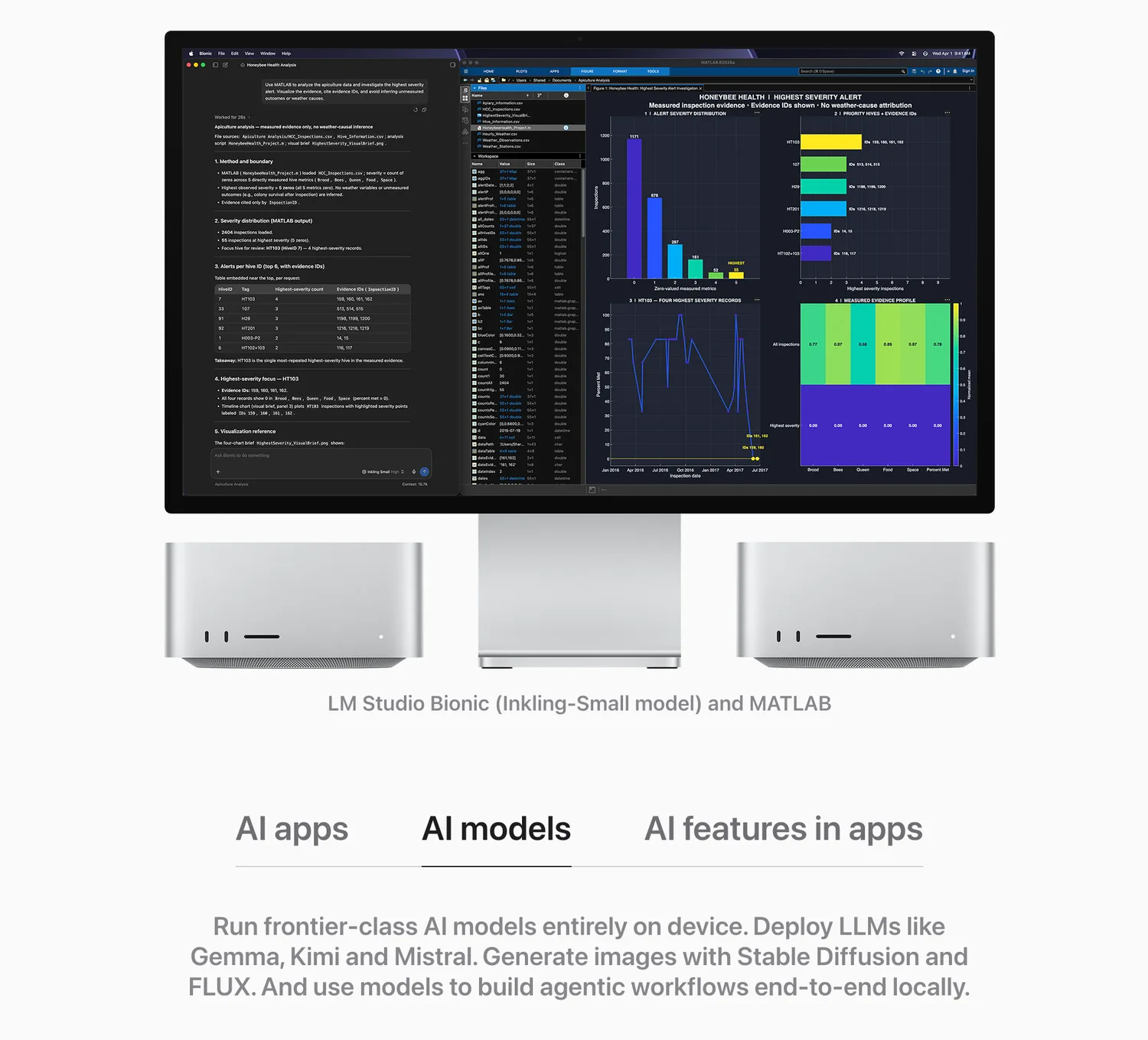
The memory ladder is the whole configuration decision, and Apple sells it as one:
The Mini makes it cheap
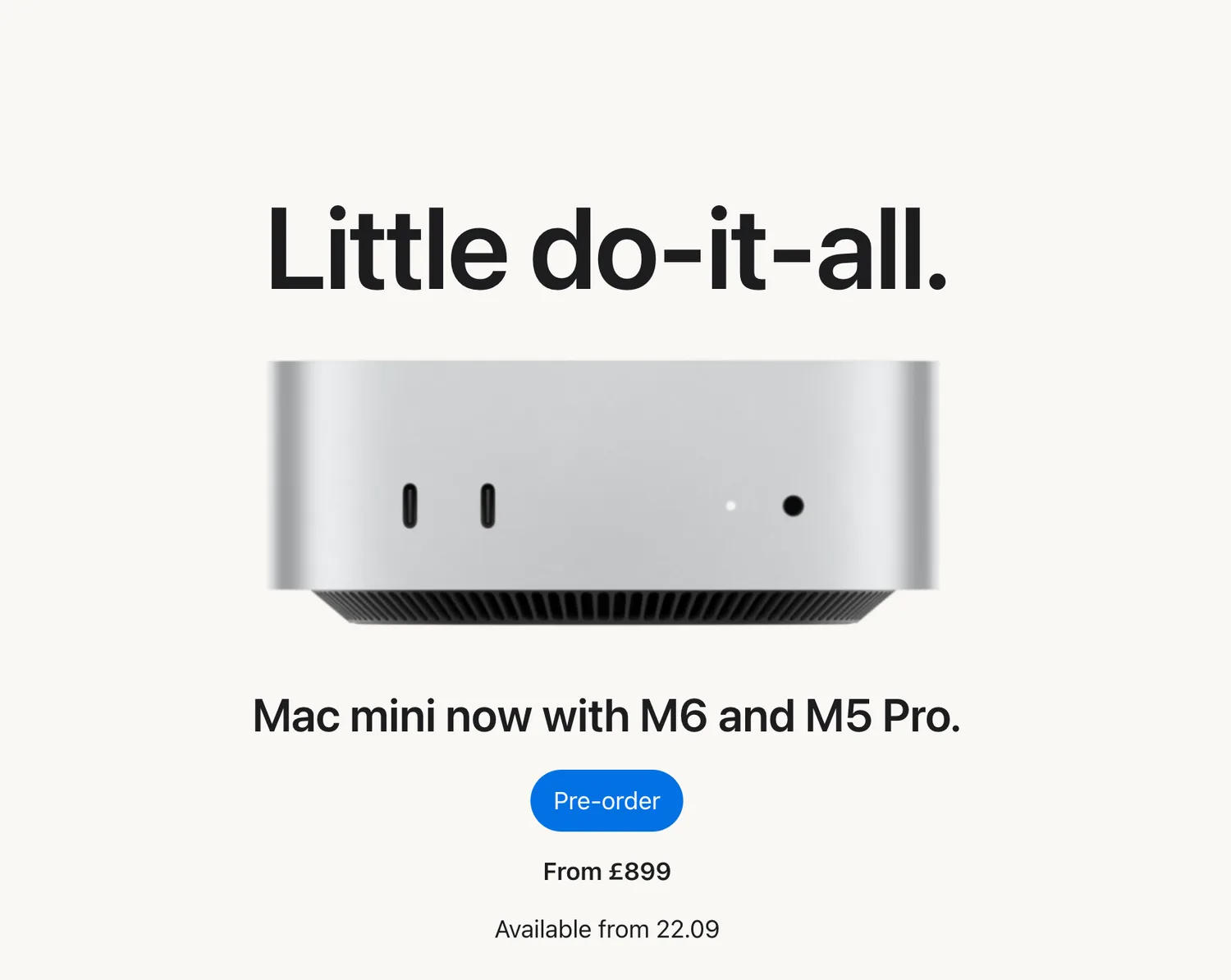
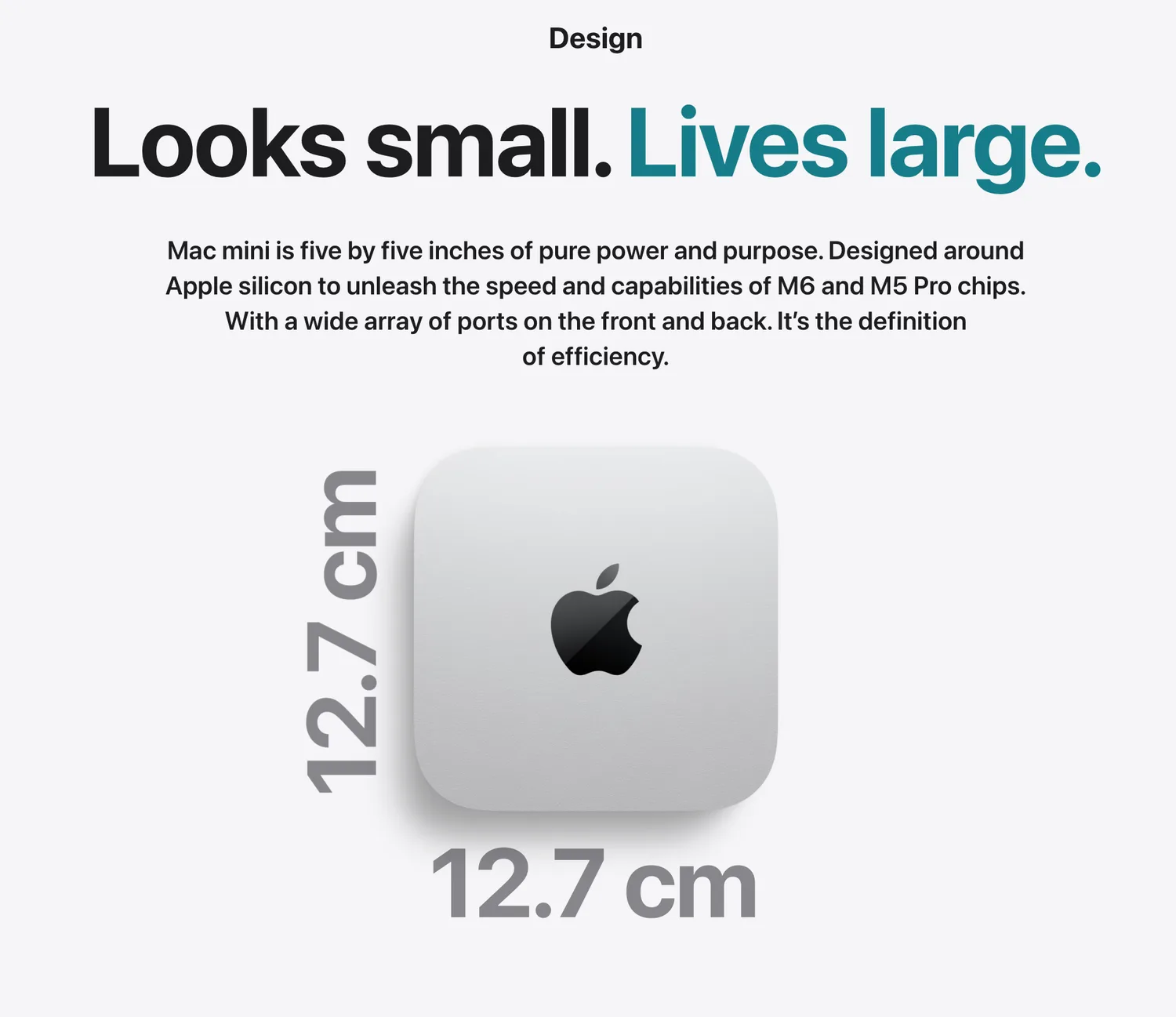
The Mac mini is the same argument at a fraction of the price. From £899 with the M6 (a 12-core CPU, a 12-core GPU and a dual 16-core Neural Engine), it is positioned explicitly for "fast, private, on-device inference" and for building agents. Apple's own suggestion is to cluster several minis with exo and run agent fleets across them, which is a genuinely new shape: a rack of small, cheap, private inference nodes under your own roof.
For most teams the mini is where this becomes real. Not everyone needs 512GB and a frontier model. A great many of the confidential-data cases, summarising documents that cannot leave the building, running a private assistant over an internal knowledge base, sit comfortably inside what a machine between £899 and £1,699 can hold.
What you can actually hold in memory
The ladder is the buying decision in one picture, and it is also the honesty check. Local inference is bounded by memory, and the model you can run is a function of how much you buy, not of marketing. A 4-bit quantised model needs roughly 0.6GB of memory per billion parameters plus headroom, so a 70B model wants something in the region of 48 to 64GB before context, and the frontier open models want far more than that. The M5 Ultra exists because those models exist.
What "private on-device" does, and does not, mean
Here is where a security briefing has to earn its place, because "private" and "on-device" are doing a great deal of work in Apple's copy and neither word means "secure by default." On-device relocates the risk, it does not delete it.
None of this is an argument against local. It is the reminder that the risks on-device introduces are ones your existing security programme already knows how to handle, provided you remember to apply them.
The launch film
What to do about it
Take this with you
For anyone weighing local inference against a cloud API
- Decide by data class, not by hype. If you handle data that legally or contractually cannot leave the building, local inference removes the third-party processor from the assessment entirely, and that is the case where this hardware pays for itself.
- Verify the weights like any other binary. A model you run locally is only as trustworthy as the file you downloaded. Record the source, check the checksum, and treat a model from an unknown repository as unsigned code.
- Secure the box you brought the data home to. On-device inference trades the cloud provider’s opacity for your own endpoint security: disk encryption, device management, patching and physical access now all matter to data that used to live in someone else’s data centre.
- Treat an agent cluster as servers, not appliances. Running agents across a cluster of minis or Studios is a set of networked, always-on endpoints. Segment them, monitor them, and patch the orchestration tooling, because the interconnect is a lateral-movement path.
- Scope prompt injection to the local blast radius. A local agent with filesystem and network access that acts on an injected instruction fails on your disk, not in a vendor sandbox, so the mitigations that used to be the provider’s problem are now yours.
The position
For a year the honest answer to "can we run this without sending our data to a third party" was "not really, not at any useful capability." That answer changed this week, and it changed with a price attached. The M5 Ultra Mac Studio puts a frontier-class model in 512GB of local memory; the M6 Mac mini puts a private assistant on a desk for £899. The hidden inference supply chain this site keeps documenting, the undisclosed resellers, the shared backends, the cache that betrays them, exists because inference lived somewhere you could not see. Apple has just made "somewhere you can see" a purchasable option, and named it on the box.
The caveat is the one that applies to every sovereignty move: you do not remove risk by bringing it home, you exchange one set of risks for another. You trade the cloud's opacity for your own endpoint security, your own model provenance, and the blast radius of a local agent. For a great many teams, and especially for anyone handling data that legally cannot leave the building, that is a trade worth making. Just do not let the words "private" and "on-device" persuade anyone that the box under the desk secures itself.
Common questions
- Can you run a frontier-class AI model locally on a Mac?
- Yes. The M5 Ultra Mac Studio offers up to 512GB of unified memory, enough to hold a frontier-class open model such as Gemma, Kimi or Mistral entirely on device, which Apple markets directly. The ceiling on what you can run locally is unified memory, and this is the first time a single product line spans from a laptop-class 32GB to a workstation-class 512GB.
- Is running AI on-device more secure than using a cloud API?
- For confidentiality it is stronger: the prompt, the model and the answer never leave the machine, so there is no third-party processor to name in a data-protection assessment and no hidden reseller chain. But on-device is not secure by default. You take on the security of the box (disk encryption, patching, physical access), the provenance of the weights file you downloaded, and the blast radius of any local agent that acts on an injected instruction.
- How much memory do you need to run a 70B model locally?
- As an approximate rule of thumb, a 4-bit quantised model needs roughly 0.6GB of memory per billion parameters, so a 70B model wants something in the region of 48 to 64GB before accounting for context and the operating system. A Mac mini with M5 Pro (up to 64GB) reaches that tier; the frontier open models need far more, which is why the 512GB M5 Ultra exists.
- When are the new Mac Studio and Mac mini available, and what do they cost?
- Both ship from 22 September 2026. The Mac Studio starts at £2,499 with the M5 Max and £5,499 with the M5 Ultra; the Mac mini starts at £899 with the M6 and £1,699 with the M5 Pro. The 512GB memory option for the M5 Ultra follows in late October. Prices are UK, inclusive of VAT.
Sources
- PrimaryMac Studio, with M5 Max and M5 UltraAppleaccessed 2026-08-25
- PrimaryMac mini, with M6 and M5 ProAppleaccessed 2026-08-25
- PrimaryBuy Mac Studio, configuration and pricingAppleaccessed 2026-08-25